Top 10 Web Hosting Companies in Canada (2026 Guide)

Best Web Hosting Canada: Top 10 Hosting Companies (2026 Guide)
Choosing web hosting in Canada isn’t just about finding the cheapest plan. For Canadian businesses and creators, the “right” host usually depends on:
- Where your visitors are (Toronto vs Vancouver vs Montreal vs “all of North America”)
- Whether you need Canadian server location / data residency
- WordPress vs non‑WordPress
- How much support you want (self-serve vs “do it for me”)
- Performance + security features that actually matter (NVMe storage, caching, backups, malware scanning, DDoS mitigation, etc.)
To build this list, I reviewed Canada-focused hosting roundups and test-based comparisons, then cross-checked key specs like server locations, guarantees, and included features using provider documentation where possible. For independent references, I used WebsitePlanet and Cybernews, especially for Canada performance notes and server-location details.
Note: VeerHost is our own hosting service, so we have included it in this list. Hosts are listed using the criteria below, and we suggest comparing plans before you choose.
Note: Hosting features and promotional prices change frequently. Treat “starting prices” as temporary and always verify what’s included before purchase.
Quick shortlist (if you want the fast answer)
Here are the 10 hosts covered in this guide, and the simplest way to think about them:
- Hostinger – budget-friendly plans + solid performance stack
- VeerHost – Canada‑focused WordPress + VPS feature set (our own service)
- HostArmada – cloud hosting with a Toronto data center option
- GreenGeeks – eco‑friendly hosting with a Montreal data center
- IONOS – CAD payments + strong North America performance, US-based DCs
- SiteGround – great tooling/caching; no Canada DC, but strong US options
- Web Hosting Canada (WHC) – Canadian-owned, Canada-only hosting footprint (with a big historical caveat)
- HostPapa – Canadian company + beginner-friendly ecosystem
- DreamHost – dev-friendly, WordPress options; US/Amsterdam infrastructure
- Bluehost – beginner-friendly WordPress hosting; includes Toronto as a selectable DC in docs
Now let’s go deep—because the details are where the “best” choice becomes obvious.
How We ranked these hosts (Canada-specific criteria)
Here’s what I prioritized for a Canada-focused top 10:
1) Server location and real-world Canada performance
If your audience is mostly Canadian, a Canadian data center (or at least a nearby US region + CDN) can reduce latency and improve “snappiness,” especially for dynamic WordPress pages.
2) Performance stack (what actually makes sites faster)
Look for NVMe storage, modern database setups, server-side caching, and WordPress optimization features (or compatibility with them). For example, Hostinger’s LiteSpeed + caching is a commonly cited speed advantage.
3) Security basics that reduce risk
At minimum: free SSL, backups, malware scanning/mitigation options, account isolation, DDoS mitigation, and proactive monitoring.
4) Support quality (and bilingual considerations)
Canada has a large bilingual audience. Some hosts explicitly support French interfaces and/or support channels.
5) Practical “Canada business” needs
- Paying in CAD (nice to have, not required)
- Getting a .CA domain (and understanding eligibility)
- Privacy and compliance awareness (PIPEDA and related expectations)
1) Hostinger: Budget-friendly hosting with a strong speed stack

Hostinger is frequently recommended as a “best value” option for Canadians—even without Canada-based data centers—because of its user experience and performance-oriented tech choices.
Why it ranks highly for Canada
WebsitePlanet highlights Hostinger’s:
- hPanel (simpler than cPanel for many beginners)
- LiteSpeed server + built-in caching tooling
- Managed WordPress features like backups and automatic updates depending on plan
- Multilingual support including English and French
Server location note: WebsitePlanet lists Hostinger server locations as multiple in the US, plus regions in the UK, Europe, Brazil, and Asia (not Canada).
For Canadian audiences, you typically choose a nearby US region and lean on caching/CDN.
Best for
- Beginners launching their first site
- Budget-focused projects
- Small business sites that still want modern speed features
Watch-outs
- Some features vary by plan (backup frequency, staging, etc.)—read the plan comparison carefully.
- If you require strict Canadian data residency, you’ll want a provider with Canadian data centers.
2) VeerHost (our own service): Canada-focused WordPress + VPS with strong included features
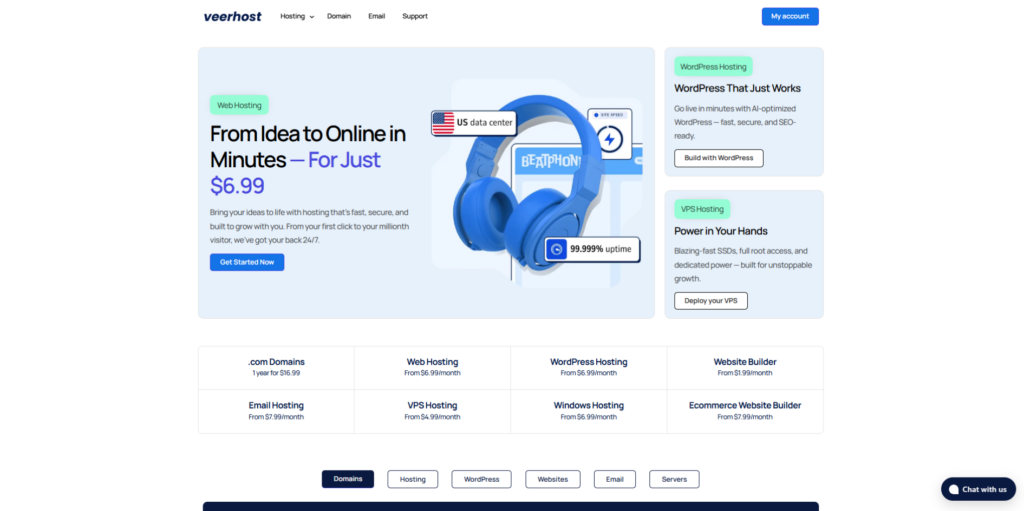
VeerHost is worth considering for Canadian site owners because its Canada page focuses on the exact pain points Canadian site owners care about: performance, security posture, human support, and Canadian hosting options—especially for VPS.
Why VeerHost is on this list
VeerHost highlights a “high-performance hosting stack” designed for fast load times for Canadian visitors, including NVMe storage, WordPress optimization, MariaDB, PHP OPcache, and performance tools.
They also position their security and reliability around ISO 27001–certified data centres, plus DDoS protection, malware/vulnerability scanning, automated backups, and proactive monitoring.
And they emphasize what a lot of people actually want (but many hosts fail at): real 24/7 human support, including help with setup and migration.
Standout features (WordPress hosting)
From their Canada-focused WordPress packages, VeerHost includes:
- 30-day money-back guarantee
- Free SSL certificate
- VeerAI agent (highlighted as part of plan features)
- Site analytics + no-code editing
- Free migration + malware detection
- Higher plans call out vulnerability scanning & DDoS protection
That combination is especially attractive if you’re building a business site, portfolio, local service site, or small eCommerce shop and you want a guided experience (rather than piecing together 5 separate add-ons).
Standout features (VPS hosting in Canada)
If you’re a developer, agency, or a business that has outgrown shared hosting, VeerHost’s VPS positioning is very Canada-forward:
- VPS plans include root access, 24/7 support, and 1 Gbit/s bandwidth
- They explicitly describe hosting your virtual server in Canada and pair it with ISO 27001 certified data centres
- They advertise a 99.99% uptime guarantee for VPS reliability
- They also emphasize unlimited traffic (useful if you hate surprise bandwidth bills)
What “99.99% uptime” really means:
Over a 30-day month (43,200 minutes), “four nines” allows roughly 4.3 minutes of downtime—about 4 minutes and 19 seconds. That’s a very high bar compared to the common 99.9% uptime language many hosts use.
Sustainability note
VeerHost also markets sustainability: data centres run on 100% renewable energy.
Best for
- Canadian businesses that want a modern WordPress experience (with AI-assisted site creation)
- Agencies/developers who want Canada-hosted VPS options
- Site owners who value security posture + proactive monitoring
Potential drawbacks / what to verify
- As with any provider, confirm exactly which services are Canada-hosted (shared vs WordPress vs VPS) during checkout—some providers offer multiple regions depending on plan type.
- Always confirm what backups include (frequency, retention, restore process) and whether it’s self-serve.
3) HostArmada: Cloud hosting with a Toronto data center option
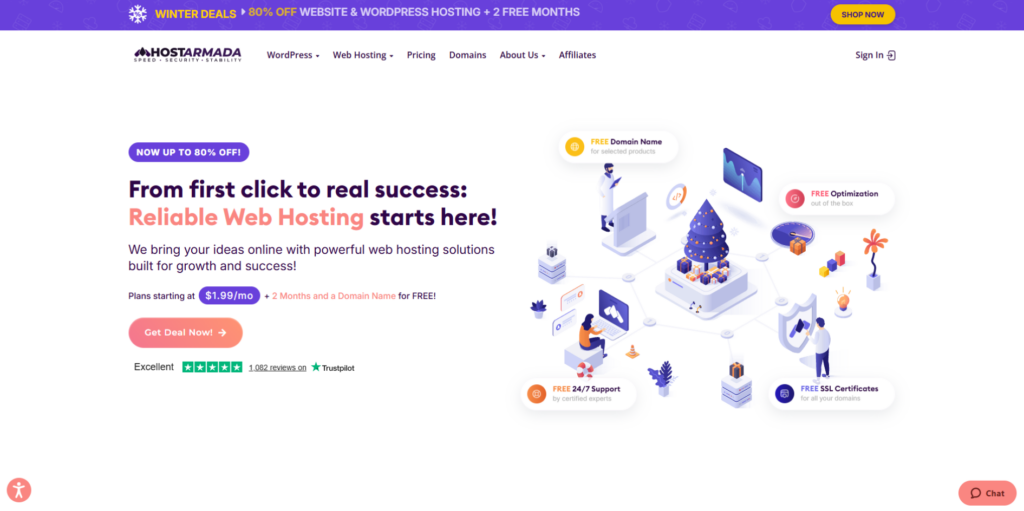
HostArmada is a strong “Canada-friendly” option because it offers a Toronto data center and focuses on cloud-based hosting across its lineup.
WebsitePlanet notes that HostArmada’s North America performance tested extremely well, and attributes Canada performance to its Toronto data center plus additional US servers, with Cloudflare CDN integration available.
They also list:
- 1 Canada server location among its network
- A 99.9% uptime guarantee
- Security features such as malware scanning, firewalls, daily backups, and monitoring as part of its suite (as described in their review summary)
Best for
- Canadian businesses wanting cloud hosting with a Canada DC option
- Users who want a bit more “hands-on” support than ultra-budget hosts
Watch-outs
- Cloud hosting is great, but compare renewal pricing and plan limits carefully.
4) GreenGeeks: Eco-friendly hosting with a Montreal data center

GreenGeeks is a go-to recommendation for Canadians who want “green” hosting without giving up performance.
WebsitePlanet specifically mentions:
- A Montreal data center, and that it tested as one of the fastest options for Canada in their testing context
- A sustainability model that includes renewable energy certificates (RECs) and tree planting (per their summary)
- Server locations include 1 in Canada (plus others internationally)
Cybernews also describes GreenGeeks as having data centers in multiple countries including Canada.
Best for
- Eco-conscious brands
- Canadian sites that benefit from a Montreal DC
- SMBs that want a recognized hosting name with strong baseline features
Watch-outs
- Like many hosts, renewal pricing can be much higher than promo pricing (always check the renewal rate before buying long-term).
5) IONOS: CAD payments + strong North America performance (US data centers)
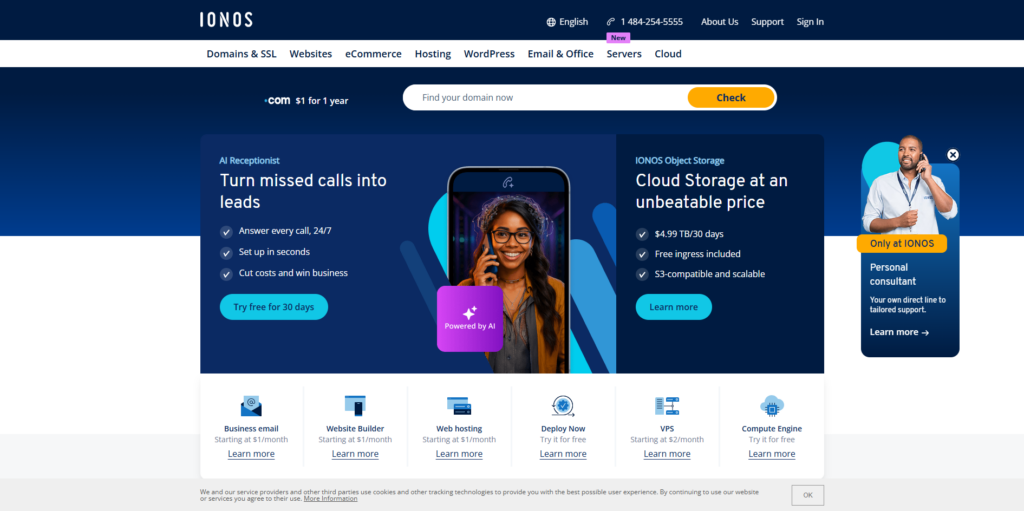
IONOS is a practical option if you want:
- A wide range of hosting types (shared, VPS, cloud, dedicated)
- Support in multiple languages
- The ability to pay in CAD
WebsitePlanet notes IONOS has no Canadian data centers, but does have three US-based data centers that still deliver fast loading speeds for Canadian audiences, and it mentions CAD payment availability via its Canadian site.
They also highlight a 99.99% uptime guarantee and unmetered 1 Gbit/sec bandwidth on most plans.
Best for
- Tech-savvy users who want flexible infrastructure options
- Buyers who prefer paying in CAD
- Projects that don’t require in-Canada data residency
Watch-outs
- For strict Canada residency requirements, choose a Canadian data center provider instead.
6) SiteGround: Excellent tooling and caching (but no Canadian data centers)
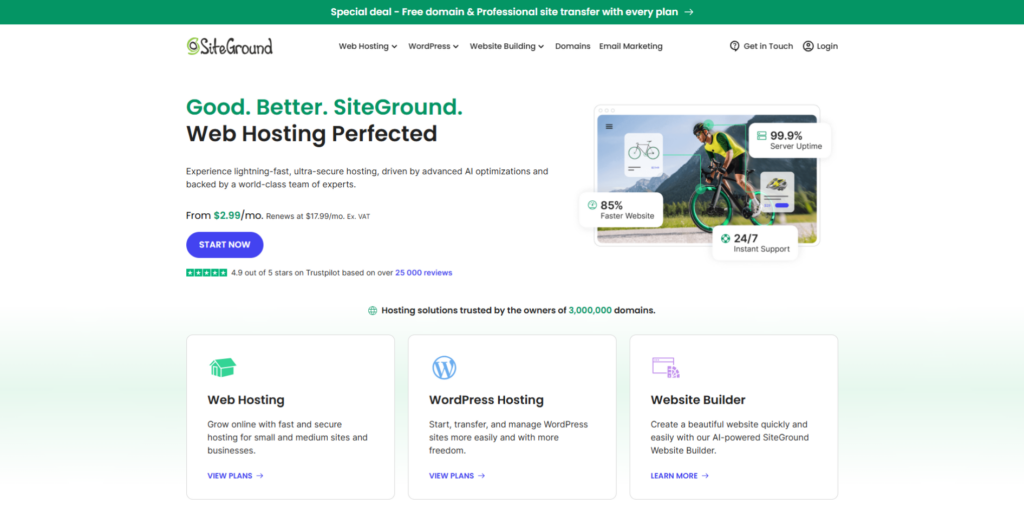
SiteGround is widely respected for performance tooling and developer/agency features.
WebsitePlanet notes:
- SiteGround lacks Canadian data centers but includes a CDN option, with US locations available for coverage (and a paid upgrade tier).
- French support is available, including a French site and interface.
- Server locations listed include multiple US, plus UK/Europe/Australia/Asia.
Cybernews similarly recommends US servers for Canadian audiences due to no Canada DC.
Best for
- Agencies and collaborative teams (staging, collaborator access, tooling)
- Speed-focused WordPress and WooCommerce projects
- Users who want polished dashboards and support materials
Watch-outs
- No Canada DC, and renewal pricing can be steep (do the math before committing long-term).
7) Web Hosting Canada (WHC): Canadian-owned and Canada-only—plus an important history lesson

WHC is one of the most “Canada-forward” providers in terms of branding and infrastructure footprint.
WebsitePlanet calls WHC Montreal-based and highlights eco-powered data centers, plus a 99.9% uptime guarantee and a feature set that includes one-click installs and other add-ons.
They also list WHC server locations in Toronto and Vancouver.
Cybernews frames WHC as a Canadian provider with two data centers near Montreal and Vancouver, and notes WHC experienced a major cyberattack in 2021 that affected data on servers.
WHC’s own “Incident Updates (August 2021)” post explains that it provided live updates following an August 28, 2021 incident, with a final update posted September 13, 2021, and that additional communications went to clients via the client area/email.
Best for
- Businesses that want a Canadian-owned provider
- Canadian-only hosting footprint preferences
- Brands that value bilingual (English/French) Canadian support (often a selling point in Canadian providers)
Watch-outs (important)
- If you’re writing a responsible “top 10” article, you should mention the 2021 incident context and advise readers to evaluate backup practices and resilience.
8) HostPapa: Canadian company with SMB-friendly support
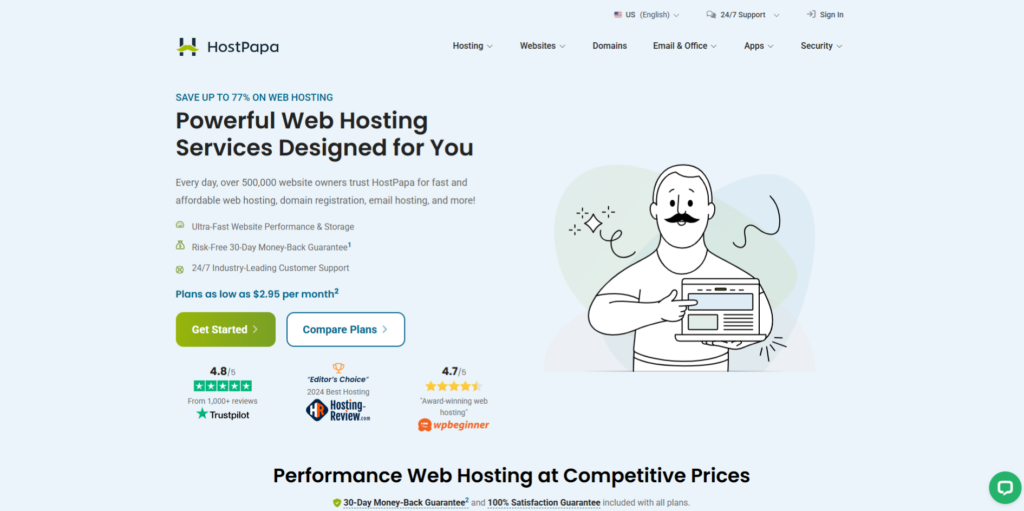
HostPapa is a well-known Canadian hosting brand that targets small and medium businesses.
A HostPapa press release is labeled from Burlington, ON, positioning the company as a provider expanding hosting solutions.
HostPapa also states that most of its products and services are backed by a 30-day money-back guarantee.
Best for
- Small businesses that want a Canadian brand presence
- Users who value phone/chat style help and a more guided experience
Watch-outs
- As with any larger hosting brand, compare what’s included in the base plan vs upsold add-ons.
9) DreamHost: WordPress-friendly and infrastructure-transparent (US + Amsterdam)

DreamHost is a long-standing provider that’s often picked for WordPress projects and developer-friendly features.
DreamHost states it hosts WordPress sites from data centers in Ashburn, Virginia, Hillsboro, Oregon, and Amsterdam, Netherlands.
Its main site also markets a 100% uptime guarantee (always read the SLA details, but it’s notable as positioning).
Best for
- WordPress users who want a mature ecosystem
- Developers who like simpler, less “upsell-heavy” setups (varies by plan)
Watch-outs
- If your audience is mostly Canadian and you want in-Canada server location, this may not be your first pick.
10) Bluehost: Beginner-friendly WordPress hosting with a Toronto data center option (per their docs)
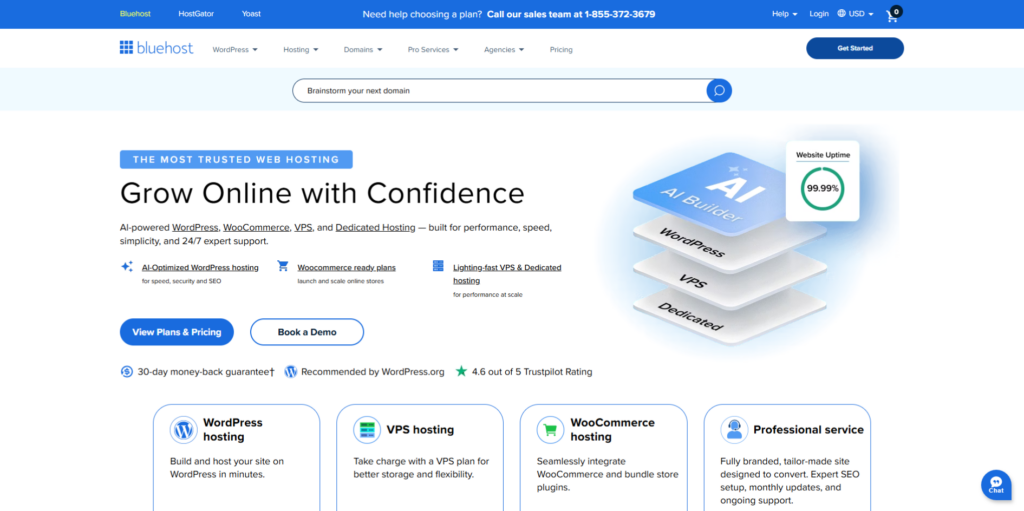
Bluehost is popular with beginners because it’s designed to make getting online simple.
In Bluehost’s own knowledge base article on signing up, they list shared hosting features like:
- Free domain registration (first year)
- Free SSL
- One-click WordPress installation
And importantly for this Canada-focused guide:
Bluehost documentation says users can choose a data center during signup, and it lists Canada (Toronto) as one of the available data center locations.
Best for
- Beginners who want a very guided WordPress setup
- Site owners who like choosing a data center location explicitly (including Toronto, per docs)
Watch-outs
- Some third-party reviews may not be up-to-date on data center options; always verify what locations are available on your specific plan at checkout.
Canada-specific buying guide: how to choose the right host (step-by-step)
Step 1: Decide whether you need Canadian server hosting (data residency)
Many Canadian businesses prefer Canadian hosting, but requirements vary by industry, contracts, and whether you deal with government entities.
At a federal level, Canada’s privacy regulator explains that PIPEDA applies to private-sector organizations that collect/use/disclose personal information in commercial activity.
PIPEDA is the federal private-sector privacy law setting ground rules for handling personal information.
Also, Government of Canada resources discuss digital sovereignty and data residency considerations in cloud environments (especially relevant when you work with government operations or sensitive classifications).
Practical takeaway:
If you have contracts that require in-Canada hosting, shortlist providers that clearly offer Canadian data centers (ex: VeerHost VPS, HostArmada Toronto, GreenGeeks Montreal, WHC Toronto/Vancouver).
Step 2: Pick the right hosting type (don’t overbuy)
- Shared hosting: best for new sites, portfolios, local businesses
- Managed WordPress: best if WordPress is your business and you want fewer technical headaches
- VPS: best when traffic grows, you need predictable resources, or you run custom stacks
- Cloud hosting: best for scaling and performance consistency
- Dedicated: best for high compliance, high traffic, custom hardware needs
If you’re unsure, start with shared/WordPress and upgrade later. (A host that makes upgrades easy is underrated.)
Step 3: Match your host to your audience geography
- If 80%+ of your visitors are in Canada, prioritize a Canadian DC or Canada-hosted VPS.
- If you serve all of North America, a strong US region + CDN can still perform well.
Step 4: Don’t ignore the “boring” security checklist
Minimum security baseline for any Canadian business site:
- Free SSL
- Automated backups (and tested restores)
- Malware scanning or monitoring
- DDoS mitigation or CDN/WAF options
- Strong account security (2FA where possible)
VeerHost explicitly highlights DDoS protection, malware/vulnerability scanning, automated backups, and monitoring as part of its positioning.
Step 5: If you want a .CA domain, confirm you’re eligible
.CA domains have Canadian presence requirements—they’re not open to “anyone, anywhere.” CIRA (the .CA registry) documents these requirements and explains that registrants must comply and select a category showing their connection to Canada.
FAQ
Which web hosting is best in Canada for small businesses?
If you want a Canada-forward setup with WordPress + VPS options and a strong security/performance posture, VeerHost is a compelling choice based on its Canada-focused feature set.
If you want ultra-budget plans, Hostinger is a common pick for beginners.
Do I need hosting with servers located in Canada?
Not always. If your visitors are Canadian, Canada-based servers can help latency, but a nearby US region + CDN may still be fast enough. If you have contractual or policy requirements (certain industries/government-related work), Canadian hosting becomes more important.
Is .CA better than .COM for Canada?
A .CA can be a strong trust and localization signal for Canadian audiences, but it also comes with eligibility rules via CIRA.
What should I prioritize most: price or performance?
For most business sites, prioritize support + reliability + backups first, then performance, then price. A “cheap” host becomes expensive the first time you lose sales because your site is down or hacked.
Final recommendations (simple decision map)
If you want the cleanest “pick one” guidance:
- Pick Hostinger if budget is the main driver but you still want a modern speed stack.
- Pick VeerHost (our own service) if you want a Canada-focused host with modern WordPress tools + Canada-hosted VPS options and strong stated security/performance features.
- Pick HostArmada if you want cloud hosting with a Toronto data center option.
- Pick GreenGeeks if sustainability matters and you want a Montreal DC.
- Pick WHC if you want a Canadian-owned, Canada-only footprint—while doing your due diligence on resilience/backup strategy.

Ayman Al-Junaid
Ayman Al-Junaid is the founder of VeerHost and a web developer. He leads the development of VeerHost. On this blog he shares practical guides on web hosting, WordPress, VPS servers and website performance for site owners, developers and small businesses.