Best WordPress Hosting in 2026: Top 10 Providers Compared

The best WordPress host depends on your budget, how technical you are and what you run. This guide compares ten providers on infrastructure, WordPress tools, security, WooCommerce support and who each one suits: Hostinger, VeerHost, SiteGround, Hosting.com, Bluehost, DreamHost, InMotion Hosting, HostArmada, GoDaddy and ChemiCloud. We do not pick one winner. We say what each does well so you can match it to your site.
VeerHost is our own hosting service, so we include it and say so. The hosts below follow the order shown, and we suggest comparing plans before you choose.
Whether you are launching a first blog, running a WooCommerce store or managing client sites, the host affects site speed, security and search performance. WordPress hosting has moved well beyond basic shared hosting. Good plans now include NVMe or SSD storage, built-in caching, managed security, automatic backups and tools such as SSH, WP-CLI and staging.
The ten hosts at a glance
| Provider | Focus | Notable features |
|---|---|---|
| Hostinger | Budget managed WordPress | LiteSpeed, object cache, hPanel, Kodee AI assistant |
| VeerHost | NVMe WordPress hosting | NVMe, VeerAI agent, free migration, malware detection |
| SiteGround | Premium managed WordPress | Google Cloud, SG Optimizer, staging |
| Hosting.com | Speed-focused WordPress | Turbo servers, LiteSpeed Cache, HTTP/3 |
| Bluehost | Beginners | One-click install, site builder, guided onboarding |
| DreamHost | Transparency and uptime | WordPress plans, clear policies, backups |
| InMotion | Business WordPress | US data centres and support, security suite |
| HostArmada | Mid-range value | SSD or NVMe, backups, security tools |
| GoDaddy | Domains plus WordPress | Domains, email and hosting from one vendor |
| ChemiCloud | Developer-friendly | SSH, WP-CLI, global locations |
1. Hostinger: budget hosting with AI tools

Hostinger is known for low prices and its own control panel, hPanel, which is easier for beginners than cPanel. Its WordPress plans use LiteSpeed web servers with the LiteSpeed Cache plugin, object caching and a CDN, and it has data centres across several regions.
Managed plans include a one-click installer, automatic updates, free SSL and DDoS protection, with staging on higher tiers. It also offers AI site-builder tools and Kodee, an AI assistant for tasks such as publishing content or managing a WooCommerce store by chat. It suits people who want modern tooling on a small budget. Some advanced server settings are more limited than on premium managed hosts.
2. VeerHost: NVMe WordPress hosting (our own service)

VeerHost WordPress hosting runs on NVMe storage with cPanel. There are three plans: VeerLaunch for one site with 20 GB, VeerBoost for five sites with 30 GB and VeerMax for ten sites with 50 GB. Prices start at $2.89 per month on a 36-month term, and each plan page shows the renewal price next to the term price.
Every plan includes free SSL, a 2 GB mailbox, free migration, malware detection, the VeerAI agent, site analytics and a 30-day money-back guarantee. VeerBoost and VeerMax add vulnerability scanning and DDoS protection. VeerAI asks about the site’s purpose and audience, then helps with setup and tasks from the dashboard.
It suits bloggers, small businesses and agencies that want a managed-feeling setup without server work. WooCommerce works on all plans, and we have guides for setting up shops. If you need advanced staging pipelines or headless setups, compare it with a premium managed host. Our guide to WooCommerce hosting goes deeper on stores.
3. SiteGround: premium managed WordPress

SiteGround runs on Google Cloud and is popular with businesses and high-traffic blogs that value reliability and WordPress-specific support. Its stack includes SSD storage, its Ultrafast PHP setup, the SG Optimizer plugin for caching and image optimisation, a built-in CDN and data centres on several continents.
WordPress tools include one-click installs, automatic updates, staging on higher plans and a migration plugin. Security covers a WAF, daily backups and regular patching. Pricing is higher than most rivals, and renewal prices are noticeably above intro prices.
4. Hosting.com: speed-focused WordPress and WooCommerce
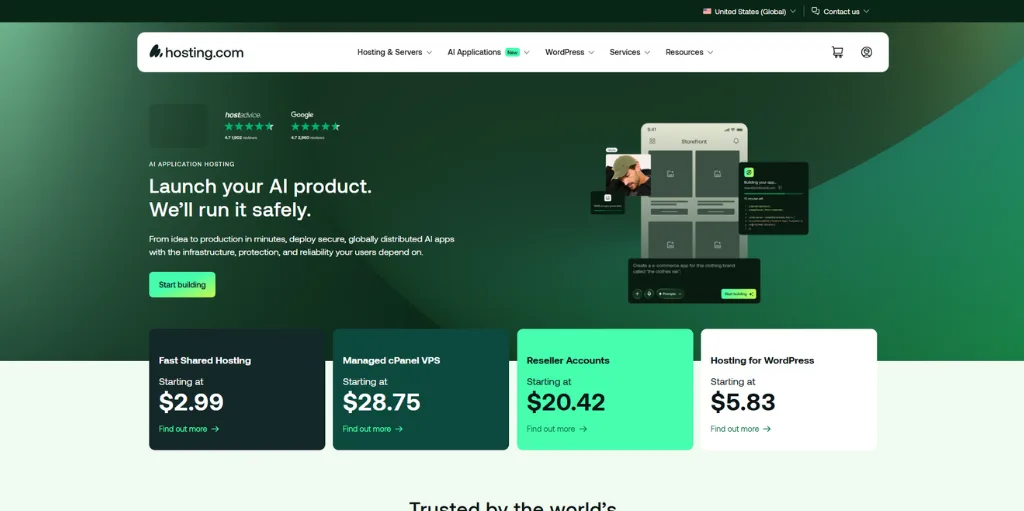
Hosting.com (formerly A2 Hosting) sells Turbo plans built around speed: NVMe storage, LiteSpeed Cache, Memcached, OPcache, HTTP/3 and QUIC. Managed WordPress plans update core, plugins and themes automatically, include free SSL, and ship with Jetpack for daily backups. The “up to 20 times faster” figure is the company’s own claim, so test your own site before relying on it. It suits technical owners and performance-minded WooCommerce stores.
5. Bluehost: WordPress hosting for beginners

Bluehost is one of the best-known WordPress hosts and is often recommended for first-time site owners because of its onboarding. You get one-click WordPress installation, an integrated site builder and templates, basic caching and clear documentation. It may not match NVMe and LiteSpeed hosts on raw speed, but it is easy to start with.
6. DreamHost: transparent policies

DreamHost emphasises uptime, privacy and clear policies, and it has a long history with open-source software. Its WordPress plans use SSD storage, and managed plans include automatic updates and backups. It suits bloggers and site owners who want a stable, straightforward host.
7. InMotion Hosting: business WordPress
InMotion Hosting targets small and medium businesses with WordPress plans that include caching, SSL and backups. It runs US data centres, including Los Angeles, and offers US-based support, which suits US-focused businesses.
8. HostArmada: mid-range value
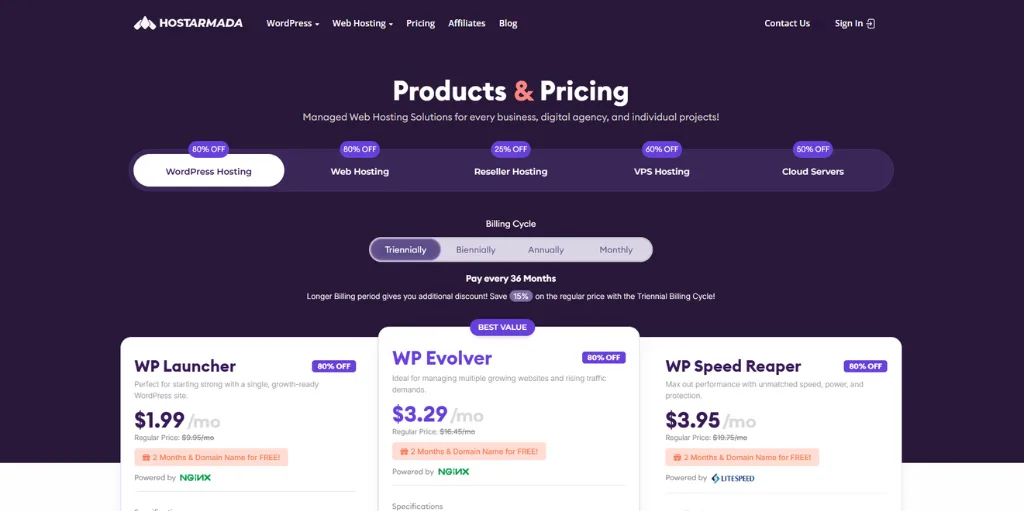
HostArmada sits between ultra-cheap and premium hosts. Plans use SSD or NVMe storage with caching, daily backups, restore options and WordPress security tooling. It suits owners who want a well-rounded plan at a mid-range price.
9. GoDaddy: domains and WordPress together
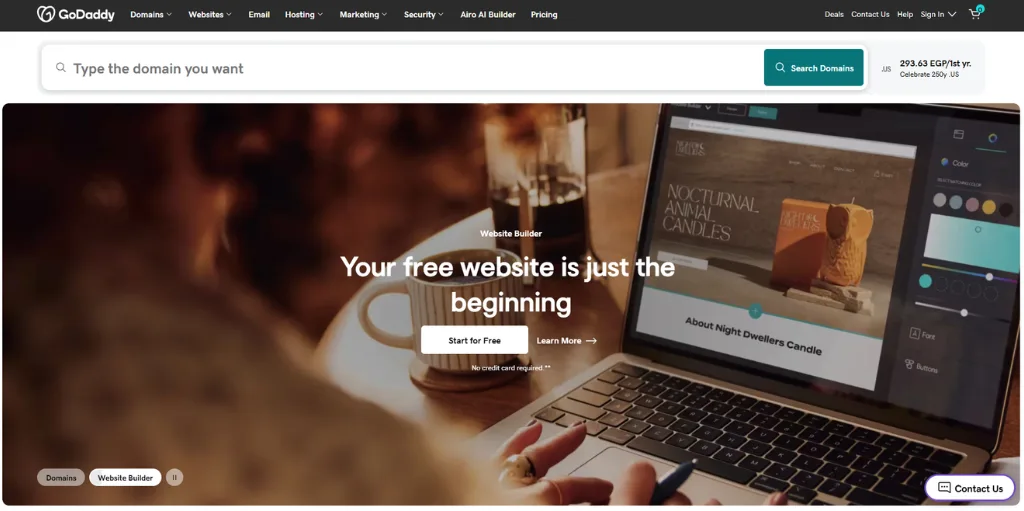
GoDaddy offers WordPress hosting alongside domains, email and other services. Plans use SSD storage with WordPress installers. It suits people who want domains, email and hosting under one brand and one invoice more than a highly tuned stack. We compare it directly in VeerHost vs GoDaddy.
10. ChemiCloud: developer-friendly hosting
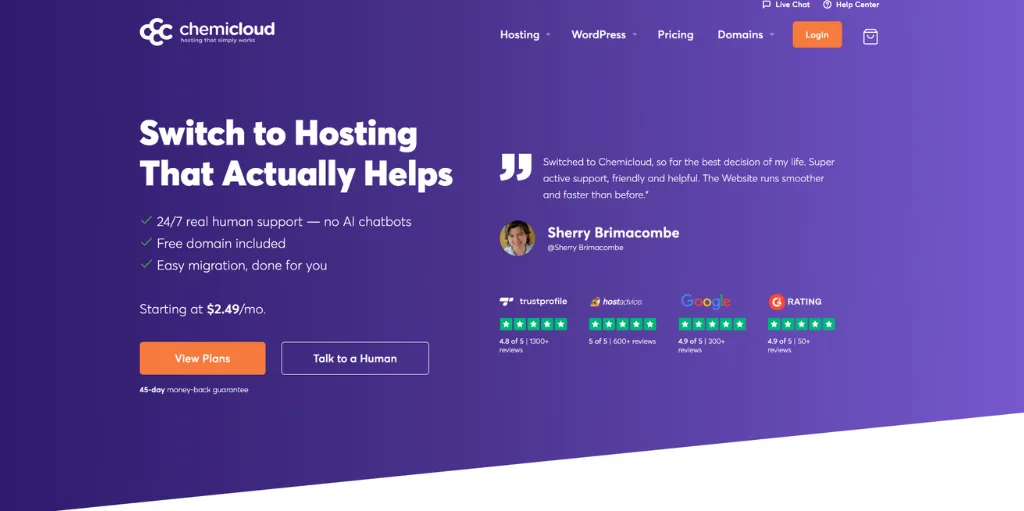
ChemiCloud offers SSD or NVMe storage, caching, free SSL and regular backups, plus developer tools such as SSH and WP-CLI and data centres in several regions. It suits technical users and agencies running WordPress projects in different regions.
How to choose WordPress hosting
- Performance stack: NVMe or SSD, LiteSpeed or standard web servers, caching and a CDN.
- Security and backups: SSL, malware scanning, DDoS protection and daily backups.
- WordPress and WooCommerce tools: staging, automatic updates and shop support.
- AI features: VeerHost and Hostinger both include AI help, through VeerAI and Kodee.
- Support and location: support hours, WordPress knowledge and server locations near your audience.
FAQ
What is WordPress hosting?
Web hosting set up and tuned for WordPress, with performance, security and management tools made for it.
Which providers offer AI tools for WordPress?
VeerHost offers the VeerAI agent, and Hostinger offers AI site tools and the Kodee assistant on certain plans.
Is VeerHost suitable for WooCommerce?
Yes. WooCommerce works on all WordPress plans and we have setup guides. See our best WooCommerce hosting guide for more.
Do WordPress hosts include free SSL?
Most do. Providers such as VeerHost, Hostinger, SiteGround and Hosting.com include it as standard.
What is the difference between shared and managed WordPress hosting?
Shared hosting is general purpose and cheaper. Managed WordPress hosting is tuned for WordPress, with faster setups, automatic updates, staging and WordPress-focused support.

Ayman Al-Junaid
Ayman Al-Junaid is the founder of VeerHost and a web developer. He leads the development of VeerHost. On this blog he shares practical guides on web hosting, WordPress, VPS servers and website performance for site owners, developers and small businesses.